90%
Less time on existing-condition documentation
<5 mins
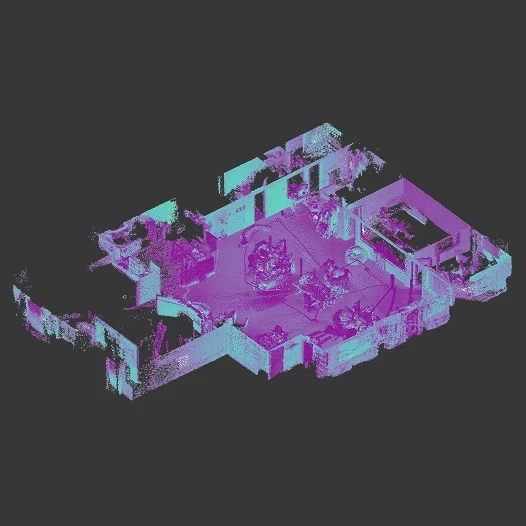
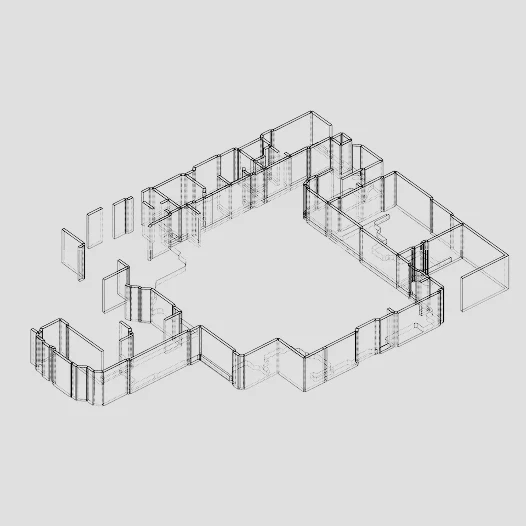
From raw point cloud to base model
6+
Input and output formats: .e57, .las, .ifc, .obj and more
Export to
Your favorite BIM and CAD tools: Revit, Rhino, ArchiCAD.
Stop tracing. Start designing.
Convert messy site data into clean, parametric base models.
Work with your tools.

Revit
.ifc

Rhino
.obj

ArchiCAD
.ifc .obj

SketchUp
.obj

Blender
.obj

Navisworks
.ifc .obj
IFC4 for OpenBIM platforms. Standard OBJ for any 3D modeling tool. No plugins required.
Built for real-world scans.
Messy data, multi-storey buildings, complex layouts. The engine handles what real scanners actually produce.
Multi-storey detection
Automatic slab identification. Zero manual slicing.
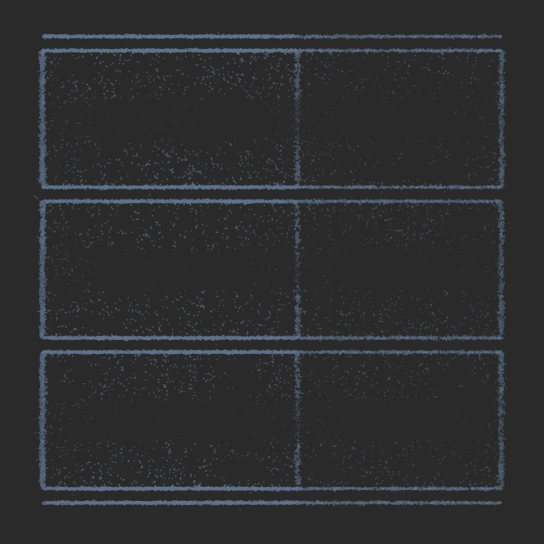
1. Cross section
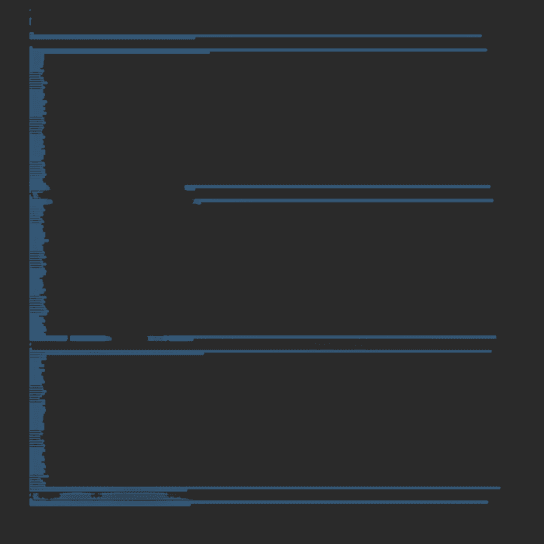
2. Z-histogram
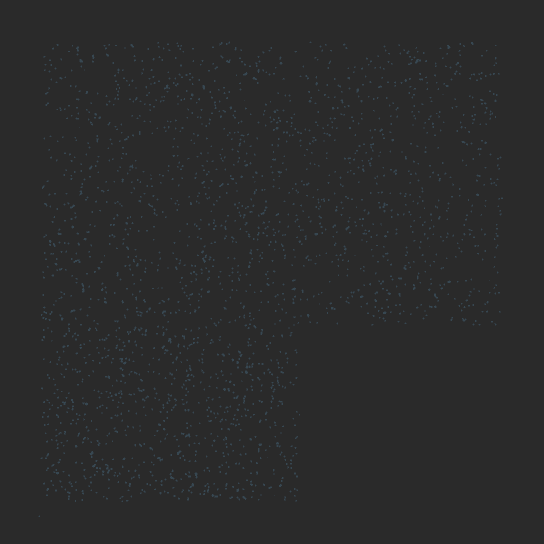
3. Slab filtering
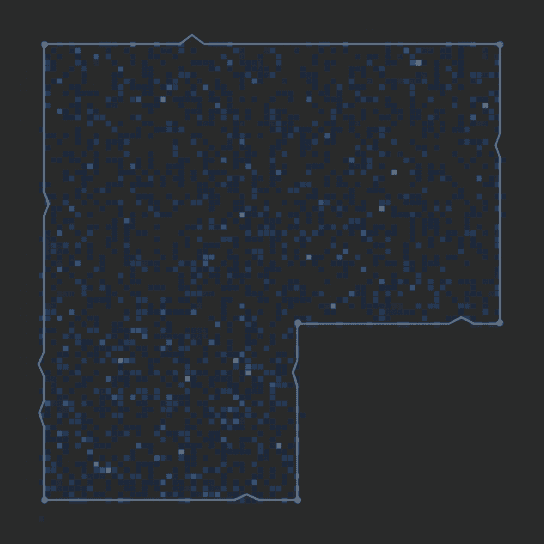
4. 3D projection
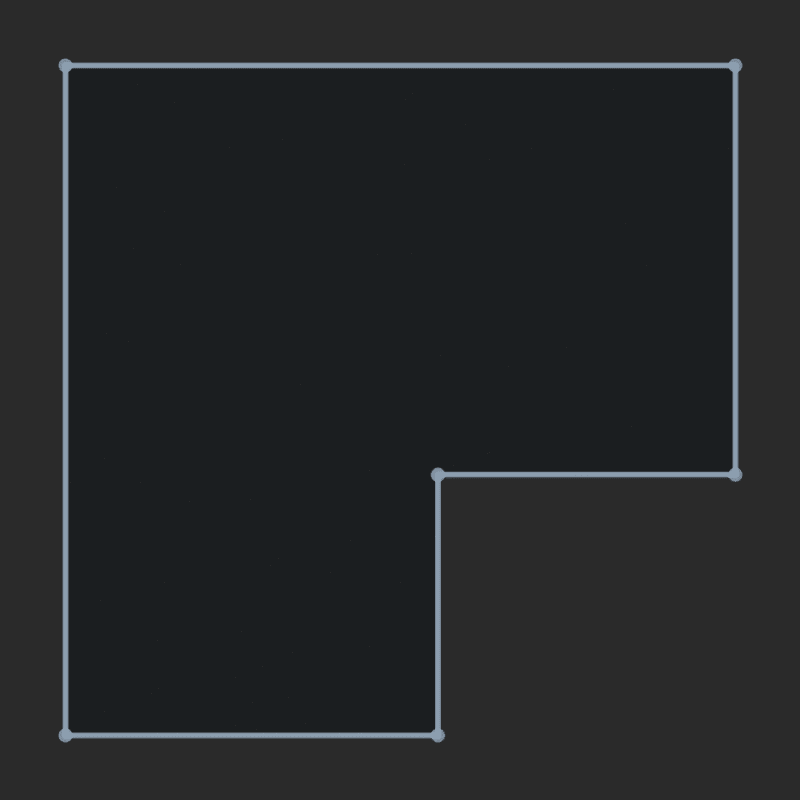
5. Hull extraction
Wall reconstruction
Removes clutter and sensor noise for razor-sharp walls.
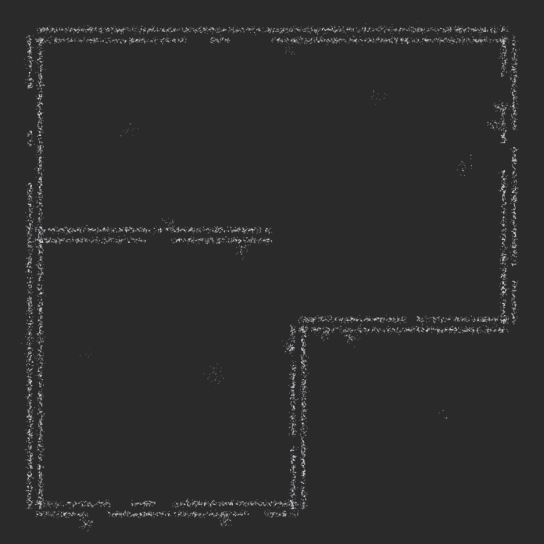
1. Point cloud
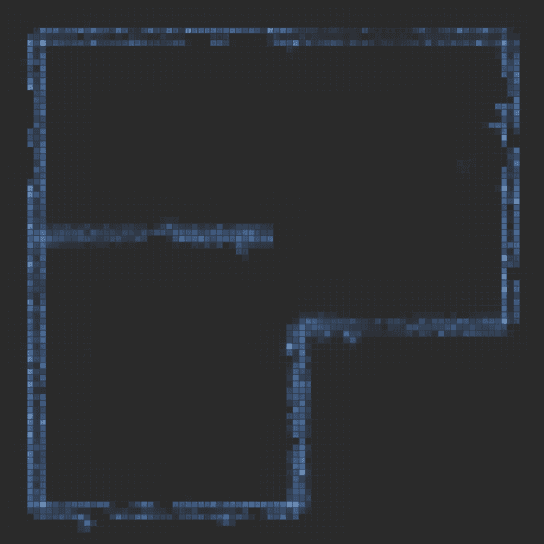
2. Density binning
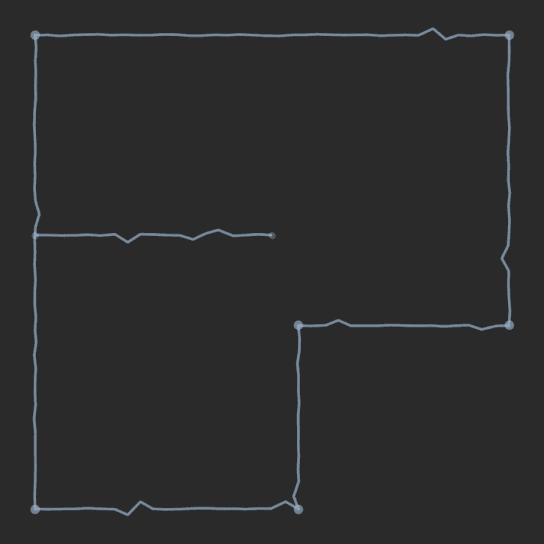
3. Centerline extraction
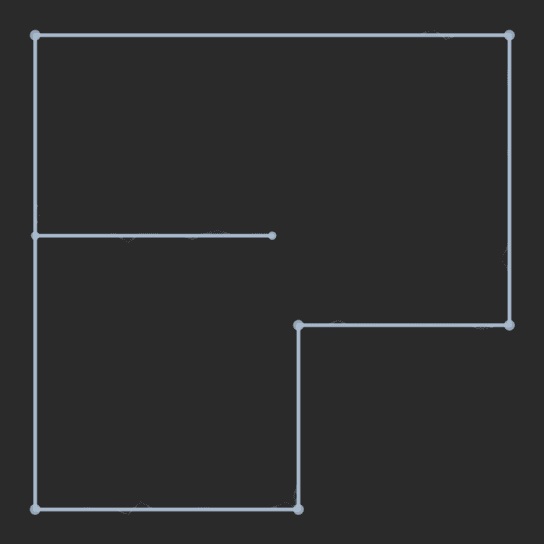
4. Angle snapping
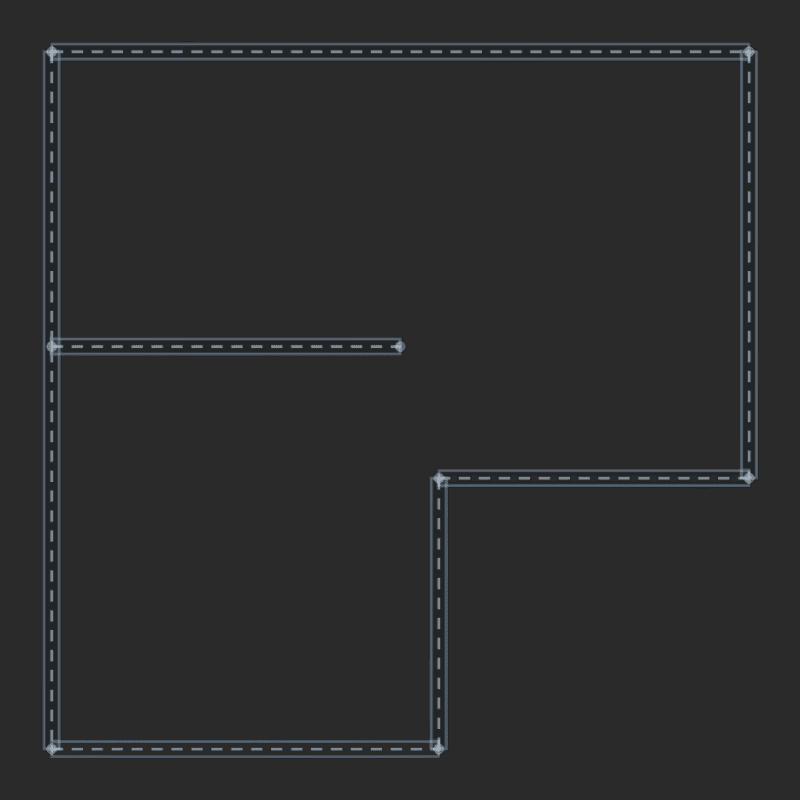
5. Wall modeling
From raw scan to base model in three steps.
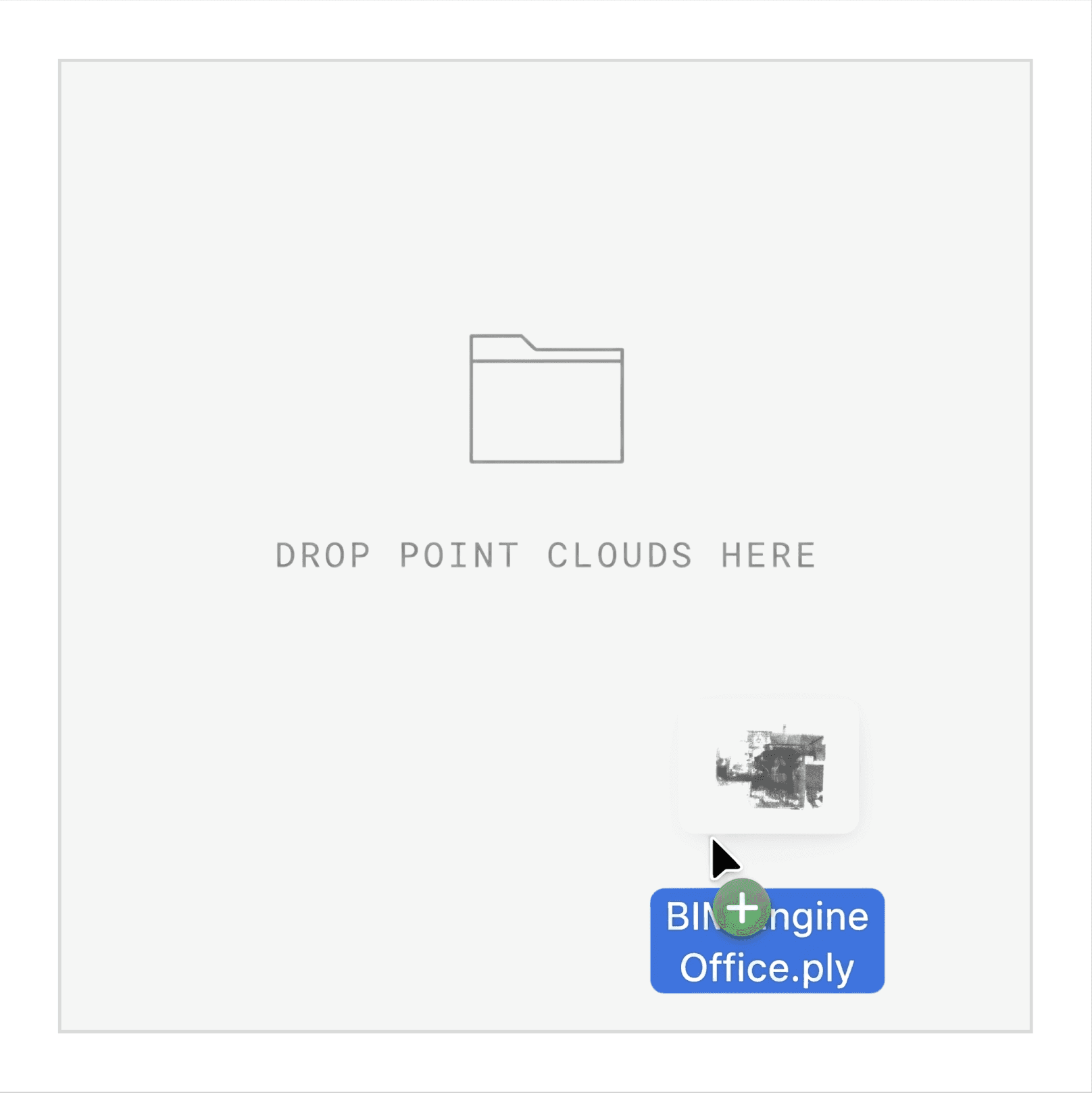
Step 1
Upload
Drop point clouds (e.g., .e57, .las, .pcd) from any scanner directly into the browser.
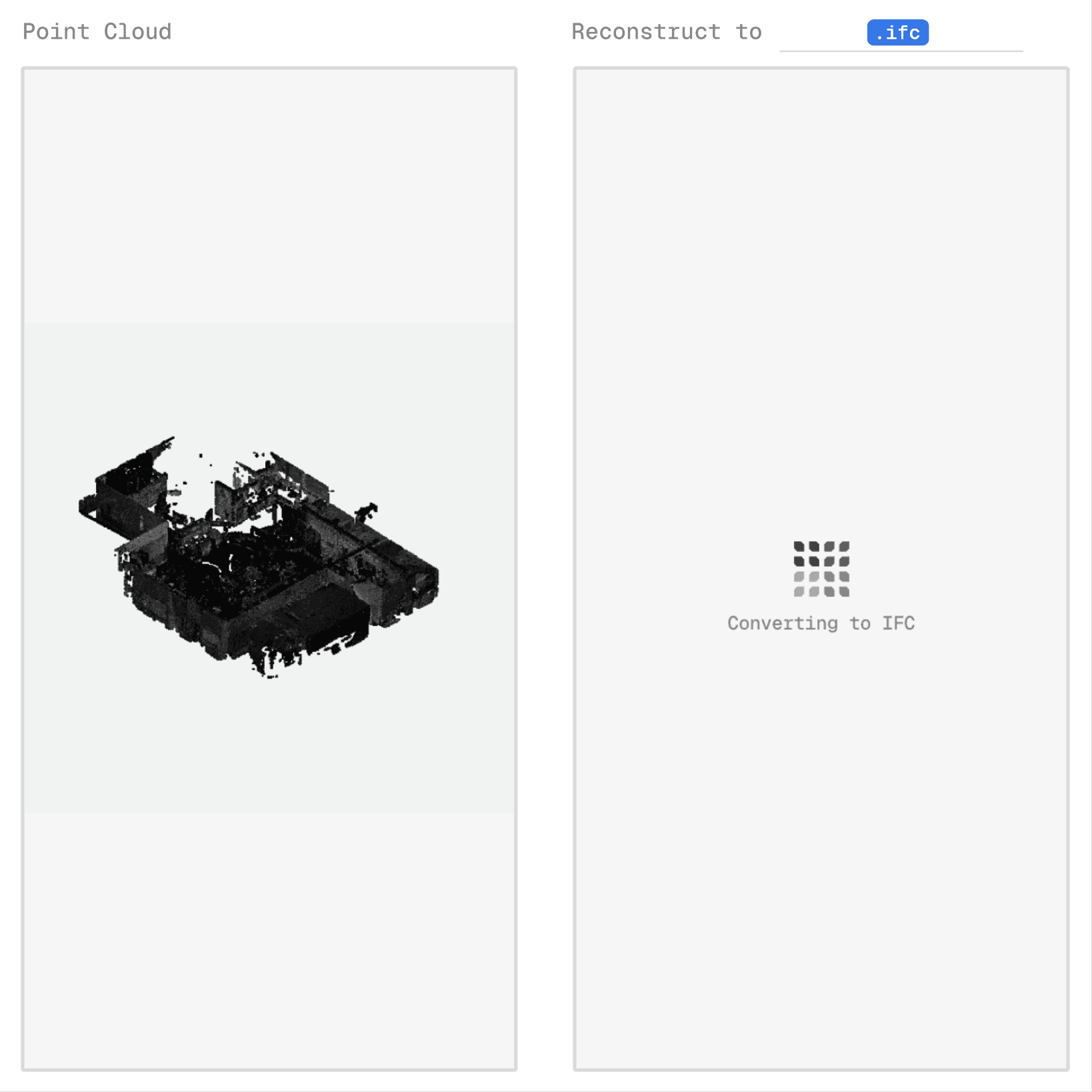
Step 2
Process
Choose .ifc for BIM or .obj for mesh. We deliver the design-ready model for you.
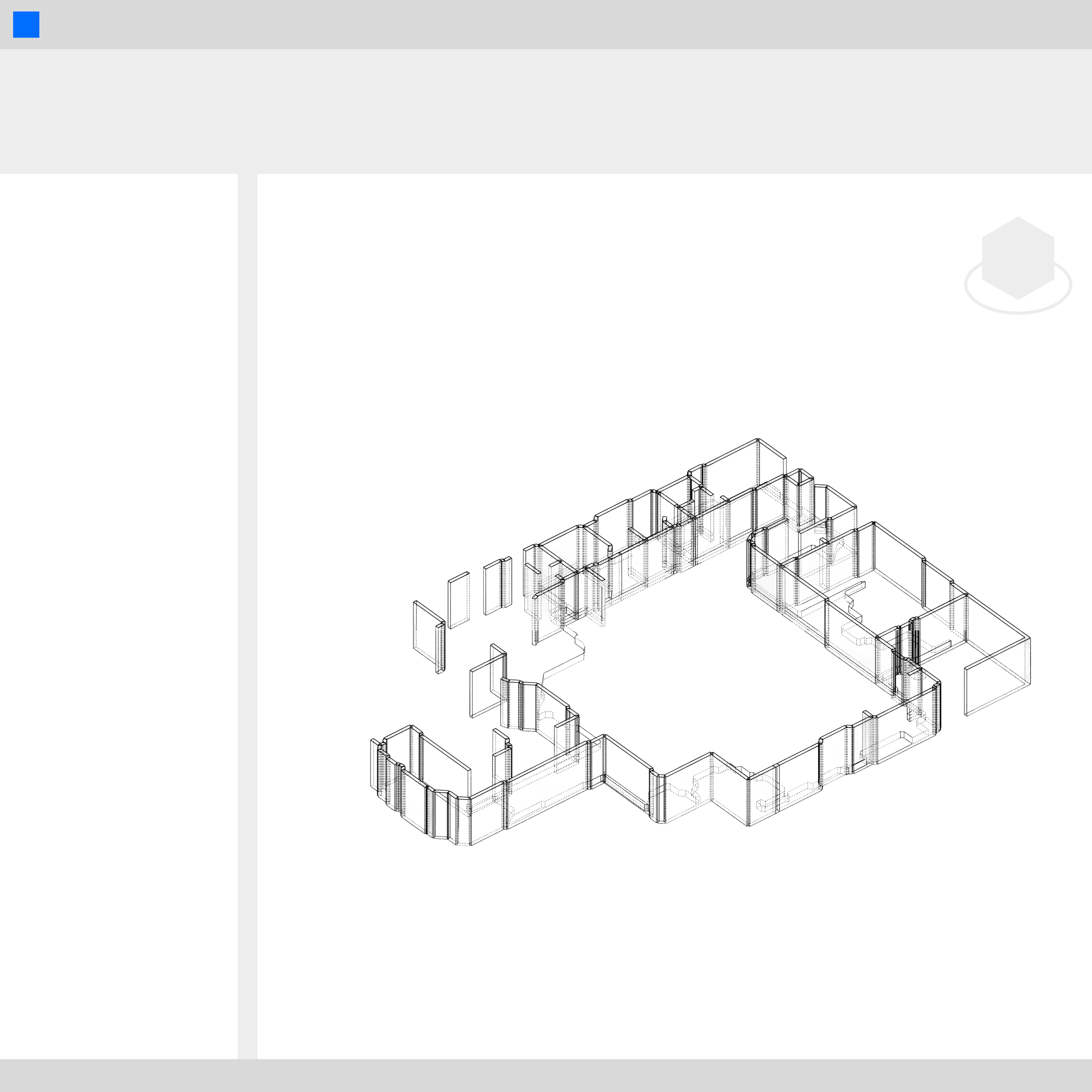
Step 3
Capture
Open your base model in Revit or Rhino. Start designing.
The problem
Documentation is a bottleneck.
80% of renovation time is wasted recreating what already exists.
Data bloat: Scans are too heavy for BIM tools.
Manual labor: Weeks lost to tedious, inconsistent tracing.
Design stalls: Creative work stays blocked by documentation.
The solution
Automated base models.
We handle the existing conditions. You focus on the design.
Scan to BIM: Instant IFC walls, slabs, and rooms for Revit and ArchiCAD.
Scan to mesh (OBJ): Lightweight OBJ site context for Rhino and SketchUp.
Cloud processing: Scale your reconstruction without desktop hardware.
FAQs
We accept .e57, .las, .laz, .pcd, .ply, and .xyz.